See how the mission performs before launch.
RangeSight evaluates a planned route leg by leg using the selected aircraft, payload, environmental conditions, battery state, and reserve requirements. Review the expected mission margin, the modeled result, and the leg that most constrains the plan before launch.
Mission Analysis Map · Free Range Analysis companion · 14-day Pro trial · iOS & Android · Patent-pending per-leg physics
 Mission Analysis MapRange Analysis Map
- Green, returns home with reserve
- Yellow, return margin thin
- Red, return margin insufficient
Estimates only, keep your own margin. Disclaimer
- Inner rings, 20-25% return reserve
- Mid rings, 10-15% reserve
- Outer edge, 0-5%, no return
Estimates only, keep your own margin. Disclaimer
Aircraft-specific profiles for the drones you fly
- DJI
- Autel Robotics
- Skydio
- Parrot
- Freefly
From flight inputs to a leg-by-leg performance view.
RangeSight turns the aircraft, route, payload, environmental conditions, battery state, and reserve settings into a mission-level performance view. The Mission Analysis Map shows how expected margin changes across the route, and it's part of RangeSight Pro (free for 14 days). The free Range Analysis Map provides a quick launch-point range envelope for everyone.
Quantify mission performance, leg by leg Pro
Import the route and RangeIQ+ evaluates each segment against the selected aircraft and mission conditions. It returns in seconds with expected battery, return margin, and the modeled mission result, and the flight path is colour-coded green, yellow, or red on the map.
Expected return margin at every waypoint Pro
At each waypoint, RangeIQ+ estimates battery state and the modeled return requirement, so expected reserve margin is visible across the mission. It flags the leg that constrains the route before you fly it.
Import the mission you already planned
Bring in the mission you already built in your normal planning workflow (.csv, .wpml, .gpx, .kml, .kmz, plus .lchz on iOS). RangeSight analyzes the route instead of asking you to redraw it, so you can check it here before you commit.
Visualize the range envelope from a launch point
Your range isn't a circle. The free Range Analysis Map uses RangeIQ to show how wind and reserve settings reshape modeled reach around a launch point, stretched downwind, pulled in upwind. It runs on-device and can be used offline.
Analyze the conditions and configuration you plan to fly Pro
One tap pulls live wind, gusts, temperature and humidity for where you're standing, straight into the analysis. Carrying a payload? Enter the weight and the numbers adjust. Battery getting old? Log the cycle count and it's accounted for.
Use an aircraft-specific profile, or define your own
31 pre-configured profiles across DJI, Autel, Skydio, Parrot and Freefly, all free. Not in the list? The Custom Drone Builder turns your aircraft's weight, battery, flight time and speed into a custom profile. Pro
From a planned route to modeled mission margin. In about a minute.
Bring the route, aircraft, battery, payload, environmental conditions, and reserve settings into one preflight analysis.
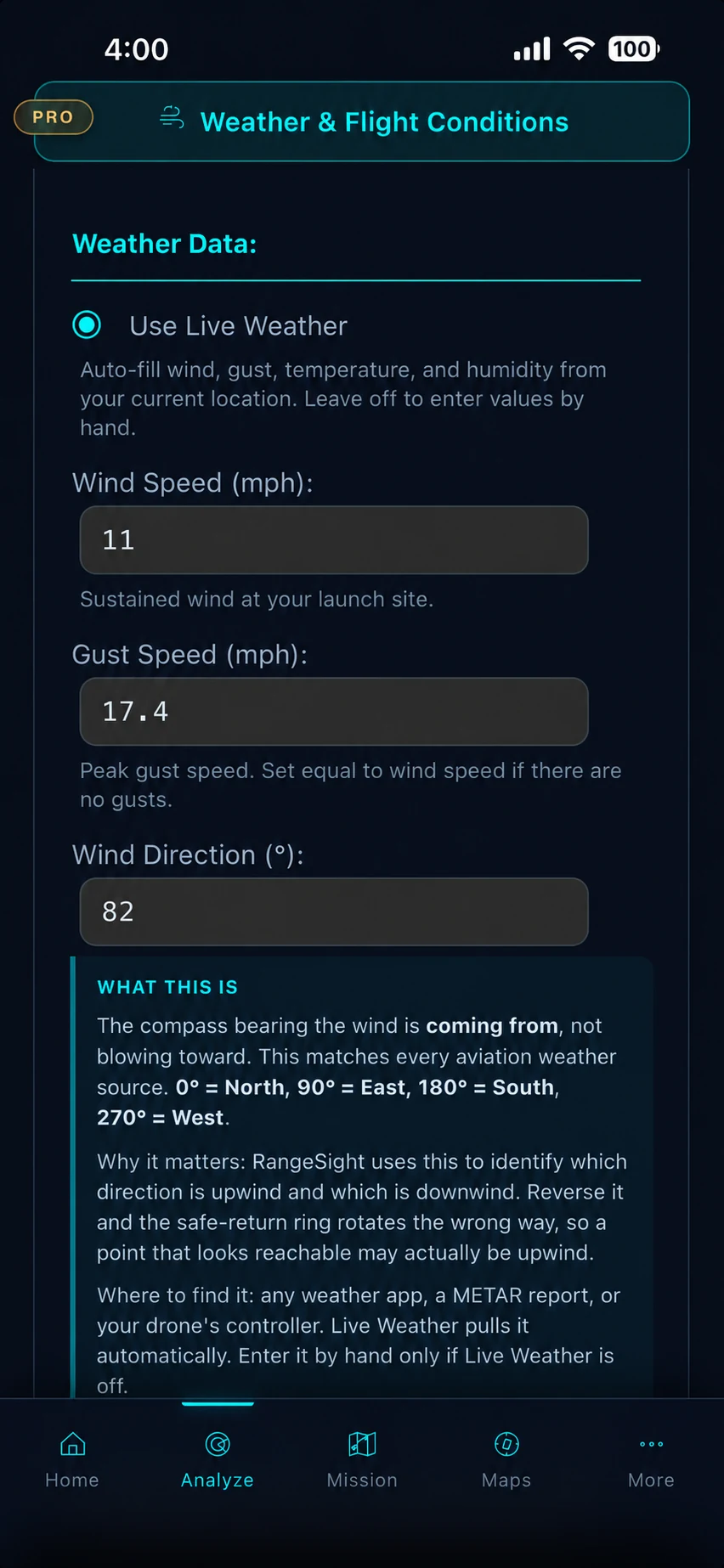
Set the mission conditions
One tap pulls live wind, gusts, temperature and humidity for your location Pro, straight into the analysis. Indicators flag anything past your drone's limits. (The on-device Range Analysis Map takes manual entry and works offline.)
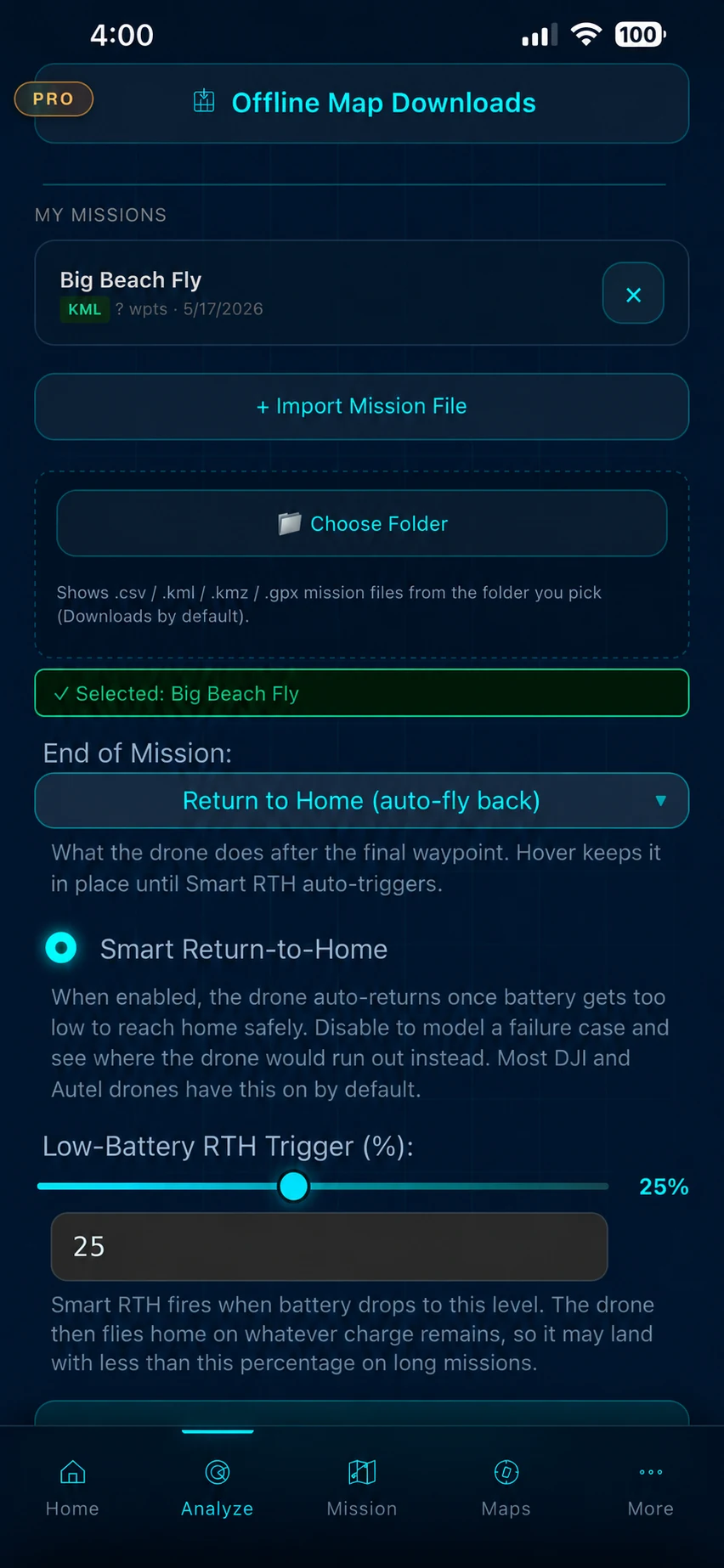
Import the mission
Plan the mission in your usual tool, then import the .csv, .wpml, .gpx, .kml or .kmz file (.lchz too, on iOS). Tell RangeSight what the drone should do at mission end and when it should turn back, and you're ready to analyse. Your last drone is remembered, so repeat jobs start ready.
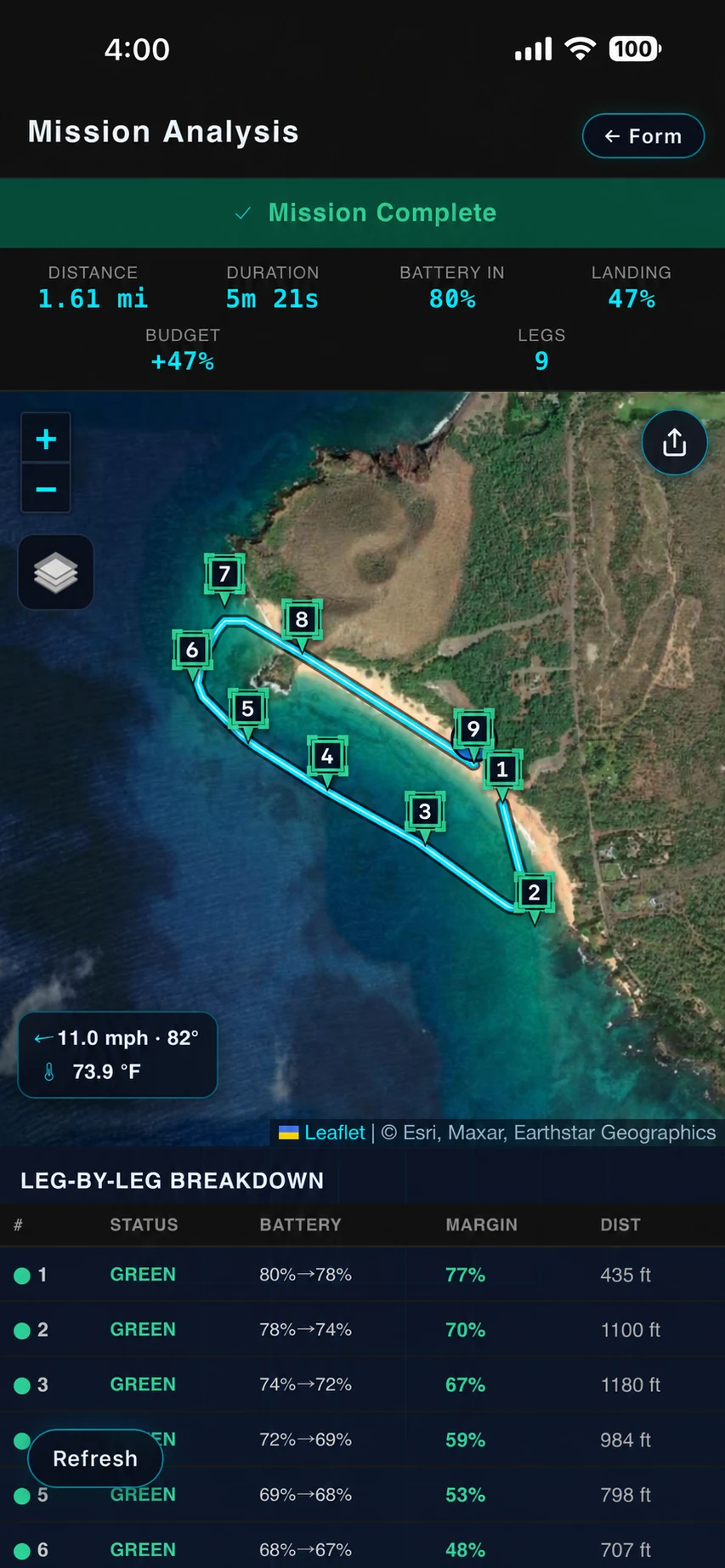
Review the result
The Mission Analysis Map shows the modeled result, expected landing and reserve margin, and the leg that most constrains the route. The flight path is coloured leg by leg, with the full breakdown ready to scrub. Pan, zoom, or tap a leg for its numbers.
See where the mission margin tightens.
Wind direction, climb, payload, and aircraft state don't affect every leg the same way. RangeSight tracks how modeled margin changes across the route and flags the leg that constrains the mission, colour-coded green, yellow, or red for quick review. See it before launch, not at low battery in the field.
How the analysis works
Built for missions where margin deserves a closer look.
On longer routes, conditions rarely stay constant end to end, so payload, recovery options, and return requirements can push modeled margin around from one leg to the next. RangeSight adds a mission-specific preflight view alongside your existing planning tools, telemetry, weather sources, and judgment.
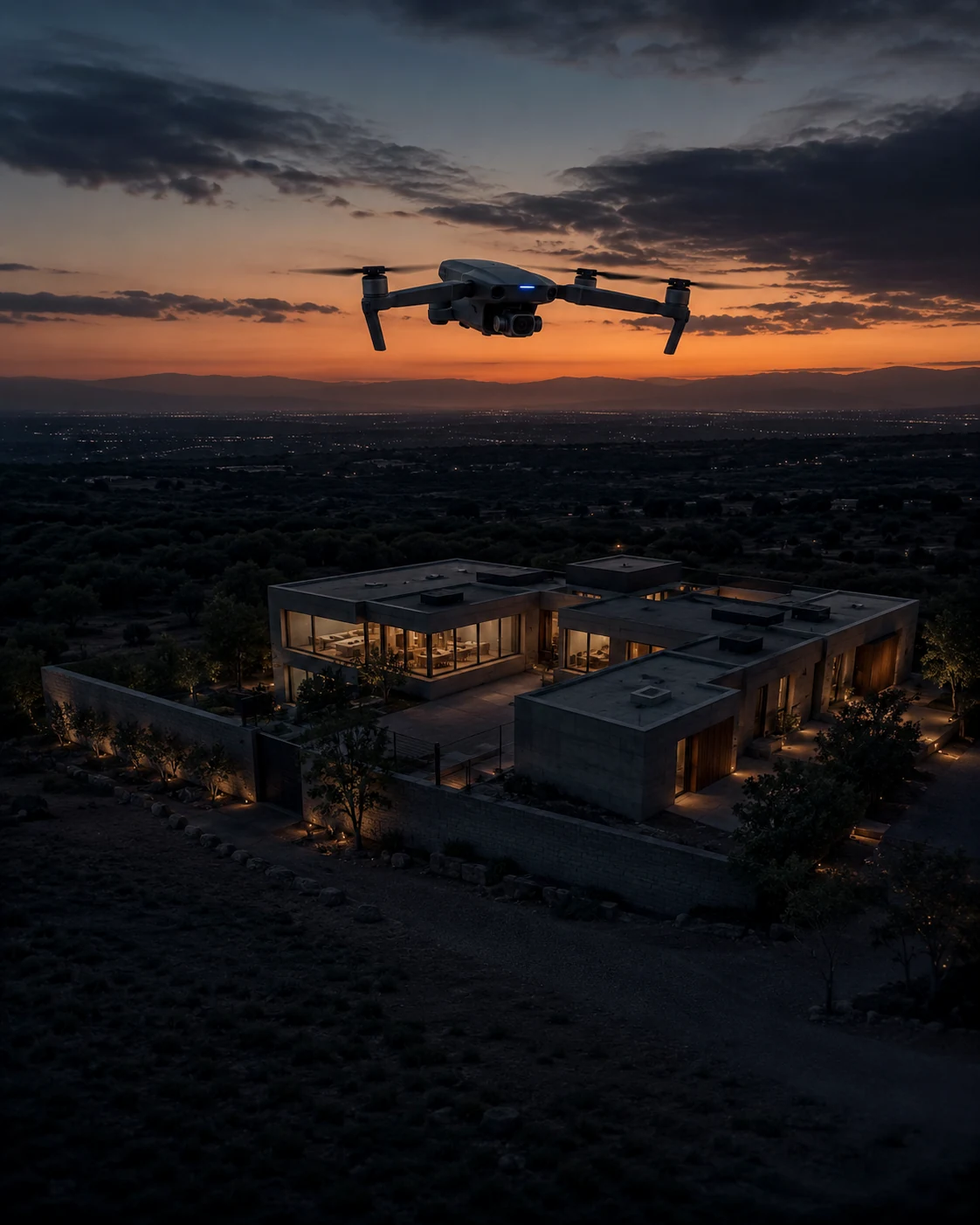
Real estate & property
A quick modeled range check for unfamiliar properties, with Pro mission analysis available for longer planned routes.
Real-estate workflow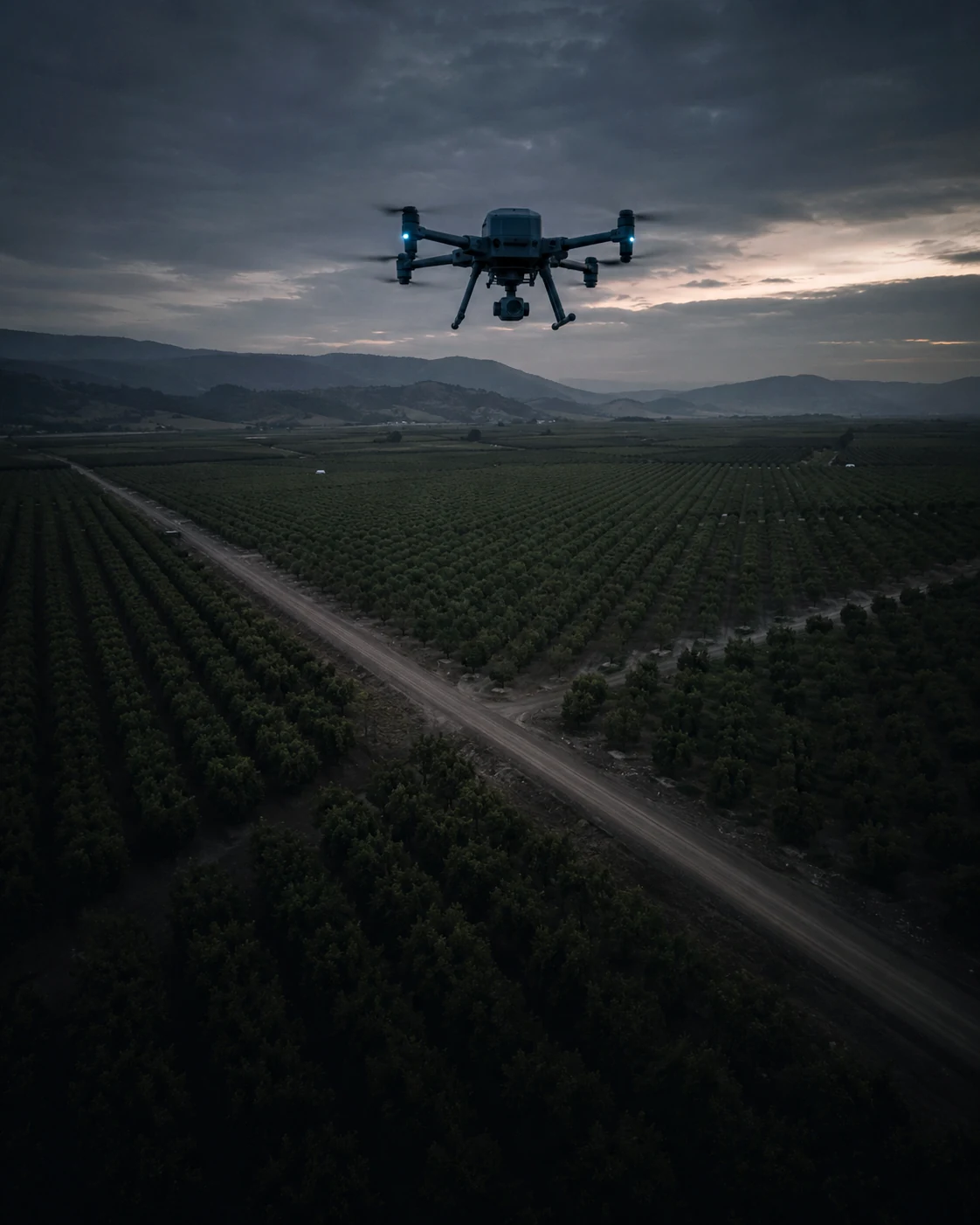
Agriculture & solar surveys
Evaluate expected margin across long survey routes, where payload, wind direction, and return requirements affect each leg differently.
Survey workflow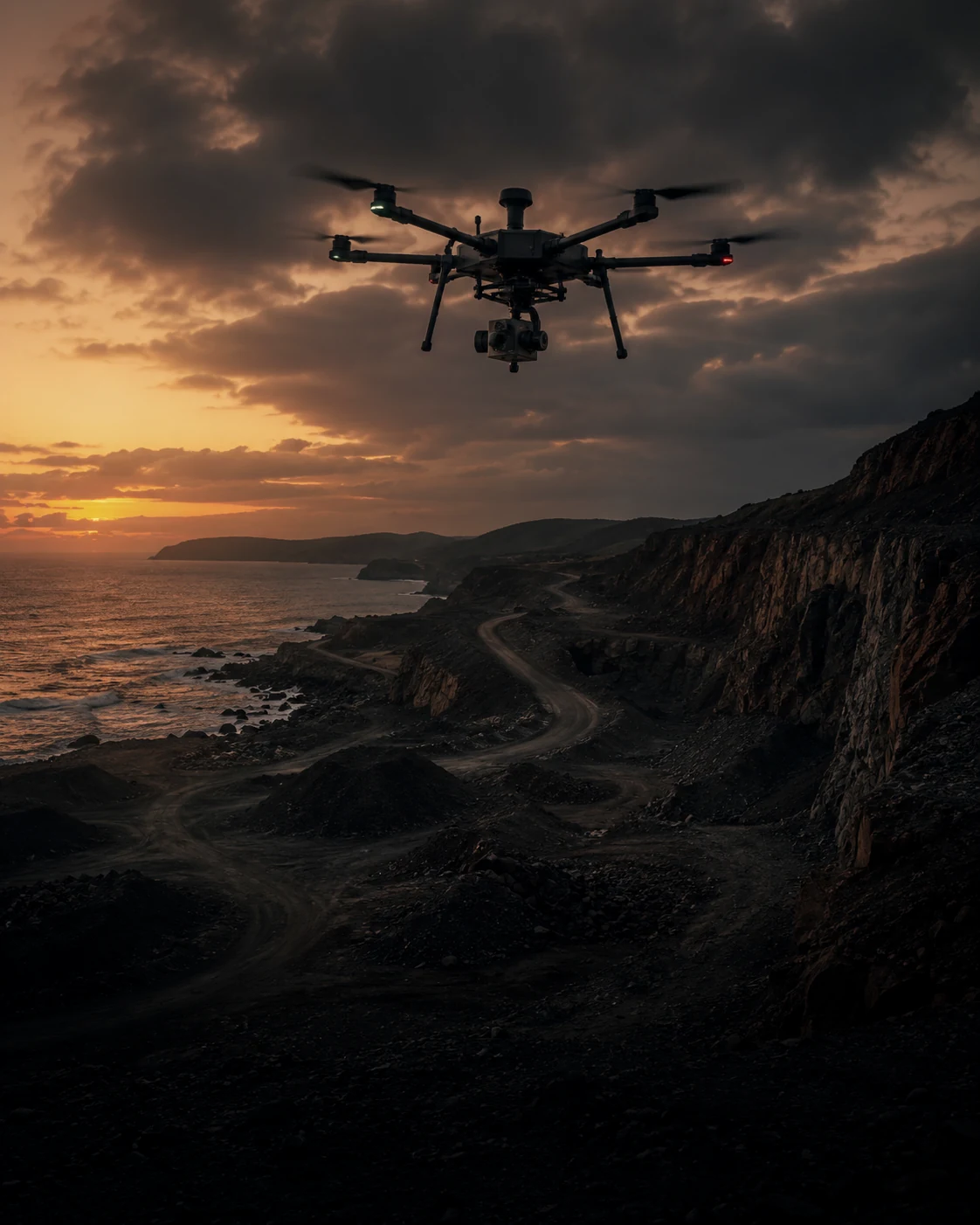
Mapping & survey
Analyze long grids and corridor routes leg by leg, with expected battery, return margin, and the constraining route output visible before launch.
Mapping workflow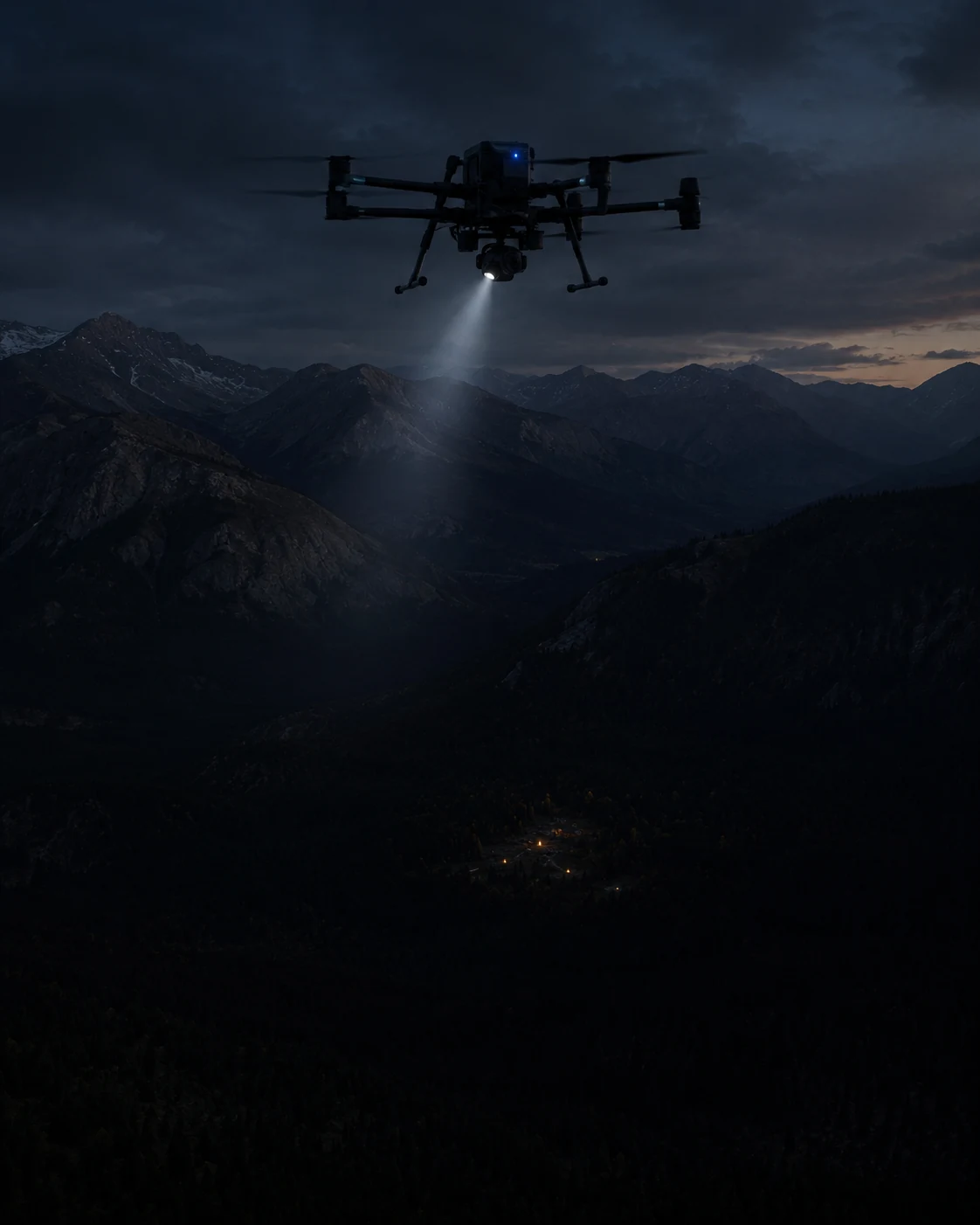
Public safety & SAR
Mission-performance context for time-sensitive UAS planning, with modeled inputs and expected margin visible for operator review.
Public-safety workflowLess than a minute from a flight path to a mission-performance readout.
Pull in current conditions, import the mission, read the Mission Analysis Map. Three taps, no spreadsheets.
-
1
Pull in current conditions Pro
One tap fetches live wind, gusts, temperature and humidity at the launch point. Add payload weight and battery state, and the numbers are locked in.
-
2
Bring in the mission
Bring in the .csv, .wpml, .gpx, .kml or .kmz you already planned in Litchi, DJI Fly or your usual tool (.lchz too, on iOS). RangeSight reads the waypoints and remembers your last drone.
-
3
Review the Mission Analysis Map
RangeIQ+ evaluates every leg in seconds. The flight path comes back colour-coded green / yellow / red, with the worst return-home margin and the leg that needs attention called out up front.
31 pre-configured profiles. Or build your own.
Pre-built profiles span five manufacturers, from sub-250 g minis to heavy-lift industrial platforms, each with flight-performance specs, operational weather limits and payload capacity. All 31 are free. Pro's Custom Drone Builder turns any aircraft's weight, battery and flight specs into a custom profile.
- • DJI, 23 models
- • Autel Robotics, 4 models
- • Skydio, 1 model
- • Parrot, 2 models
- • Freefly, 1 model
- • + Custom Drone Builder Pro
Mission-level analysis is Pro. The quick range envelope stays free.
Free
$0
No account required
- ✓ The Range Analysis Map, wind-shaped, return-safe range (on-device RangeIQ)
- ✓ Works fully offline, no account
- ✓ Mission-file import (.csv, .wpml, .gpx, .kml, .kmz, plus .lchz on iOS)
- ✓ All 31 drone profiles · interactive map · manual weather entry
RangeSight Pro
$12.99/mo or $99/yr
14-day free trial of full Pro · cancel anytime
- ✓ Everything in Free
- ✓ The Mission Analysis Map, leg-by-leg mission-performance analysis (RangeIQ+)
- ✓ One-tap live weather fetch
- ✓ Custom Drone Builder + quick-start templates
- ✓ Payload weight support · offline map packs
- ✓ Fine-tune calibration · saved home locations
See the full plan comparison on the pricing page
Patent-pending physics model
RangeIQ+ and RangeIQ are physics-based mission-performance and range-analysis models designed for preflight planning. Outputs are estimates based on the supplied mission inputs and assumptions, not guarantees of flight outcome. A provisional patent has been filed, and we don't claim an accuracy percentage. How accurate is it?
The quick check works offline
The on-device Range Analysis Map runs fully offline, in seconds. The leg-by-leg Mission Analysis Map runs RangeIQ+ in the cloud, so it needs a connection.
Your data stays yours
No account, no ads, no selling your flight data. Read exactly what's collected in the privacy policy
Built by Noxdren
RangeSight is a product of Noxdren, LLC. RangeIQ+, the engine behind the Mission Analysis Map, is also available through the Noxdren API, for developers
RangeSight provides estimates to support flight-planning decisions. It does not guarantee outcomes. Actual performance varies with gusts, battery health, firmware, technique, GPS quality and more. Always fly within your aircraft's limits, applicable regulations, and your own judgment.
The honest answers, up front.
Partly. The Range Analysis Map (the quick reachability check, run by the on-device RangeIQ engine) works fully offline, results in under a second, and Pro users can download offline map packs ahead of time. The leg-by-leg Mission Analysis Map runs RangeIQ+ in the cloud, so it needs a connection. In short, planning a mission and running the quick range check both work offline; the full leg-by-leg analysis needs one.
31 pre-built profiles across DJI (23), Autel Robotics (4), Skydio (1), Parrot (2) and Freefly (1), all free to every user. Don't see yours? Pro's Custom Drone Builder lets you create a custom profile from your aircraft's weight, battery capacity, flight time and speed. See the full list
Free gives you the Range Analysis Map (the quick, offline, wind-shaped range check on the on-device RangeIQ engine), mission-file import, the interactive map, manual weather entry and all 31 drone profiles, no account needed. RangeSight Pro adds the Mission Analysis Map (leg-by-leg mission-performance analysis on RangeIQ+), one-tap live weather, the Custom Drone Builder, payload weight support, offline map packs, fine-tune calibration and saved home locations. Pro is free for 14 days, then $12.99/month or $99/year. Compare plans
The Mission Analysis Map is the headline view, part of RangeSight Pro (free for 14 days). You import the mission, and the cloud RangeIQ+ engine evaluates it leg by leg: expected battery and return margin segment by segment, a return-home check at every waypoint, and the flight path risk-coloured on the map. It needs a connection (it calls RangeIQ+). The Range Analysis Map is the free, quick companion: pick a launch point, and the on-device RangeIQ engine draws the wind-shaped, return-safe rings showing how far you can fly in any direction and still get home with reserve. It works offline. RangeIQ+ is also available to developers through the Noxdren API on noxdren.com.
Know the margin before your next launch.
RangeSight is on iOS and Android, with a free Range Analysis Map and a 14-day Pro trial. Import the route, set the aircraft and mission conditions, and review expected performance leg by leg before you fly.