
Quantify expected margin across long, repetitive survey routes.
NDVI passes, crop scouting, utility-scale solar inspections, and large-area survey and inspection patterns can expose different legs to different wind components, while sensor payload and the return requirement shift overall energy demand. RangeSight evaluates the route at the mission level before launch.
Free Range Analysis Map · No account to start · iOS & Android
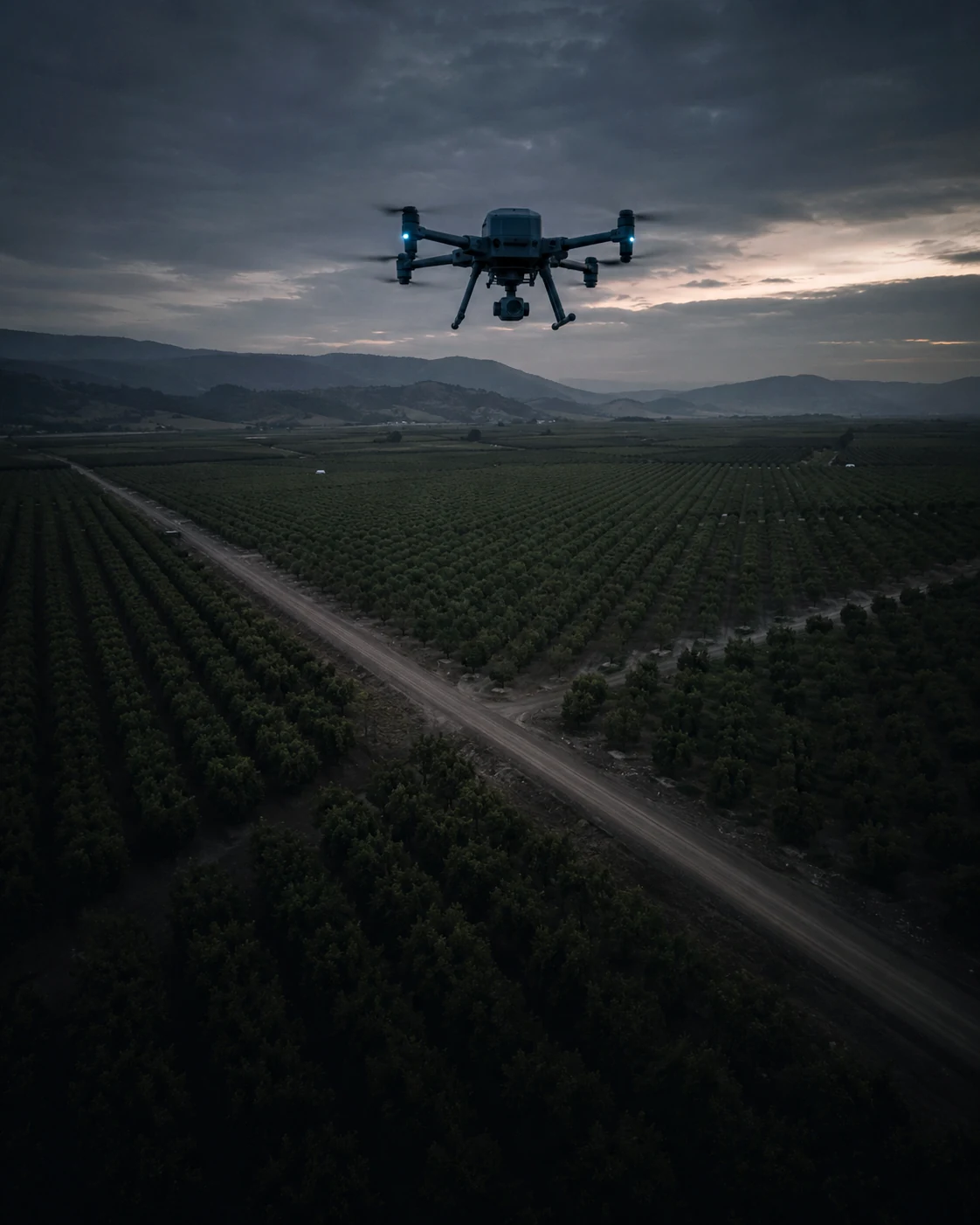
Repetitive routes are not necessarily repetitive loads.
The spec-sheet flight time doesn't know about your sensor, your wind, or the age of that pack.
Opposing passes see different wind
A quarter-section or a utility-scale array doesn't fit one pack, and opposing passes across the same site see different wind components.
Sensor payload affects the configuration
Even moderate wind can change expected energy demand across opposing passes, and the sensor payload you're carrying changes the aircraft configuration being modeled.
Late-route margin can tighten
Agronomy and inspection windows are short. Late-route return requirements can tighten expected margin right when you can least afford a re-flight.
Review every pass in mission context.
RangeSight models the things that actually shift energy demand: the payload, the wind, the aging pack.
Every pass, evaluated
Import (or build) your survey grid, set the drone, the payload (that multispectral rig is heavier than you think), the altitude and the wind, and the Mission Analysis Map Pro walks every pass: expected battery, return margin, and the leg that most constrains the planned mission. The free Range Analysis check shows what one pack reaches, too.
Review the hot-swap point
Knowing the per-pack reach, RangeIQ+ can surface a modeled hot-swap point for missions that exceed a single battery, so you review the change location on the map instead of improvising it when the warning beeps.
Time it to the wind
Pull live conditions and review the window where expected margin holds across the route, or revise around the leg that constrains it.
Define → Analyze → Review → Fly.
Per pack, per sector, the same review each time.
Define
Drone + the survey payload, current battery, your survey altitude, the field as launch point.
Analyze
Pull the wind; the Mission Analysis Map evaluates the grid leg by leg and surfaces the modeled hot-swap point.
Review
Check expected margin and the constraining leg before committing to the route.
Fly
Run the grid; use the modeled hot-swap point as one input when planning a battery change.
The free tier sizes up a launch point. Pro adds leg-by-leg mission analysis for survey routes.
All 31 drone profiles and the Range Analysis Map are free. For survey routes, Pro adds the leg-by-leg Mission Analysis Map (RangeIQ+), payload weight support (for the sensor), the Custom Drone Builder (for survey-spec aircraft), and one-tap live weather and offline map packs for fields with no signal. It's a 14-day free trial, then $12.99/mo or $99/yr.
More ways pilots fly RangeSight
Real estate & property
A quick modeled range check for unfamiliar properties, with Pro mission analysis for longer planned routes.
ExploreMapping & survey
Analyze long grids and corridor routes leg by leg, with expected battery, return margin, and the constraining route output visible before launch.
ExplorePublic safety & SAR
Mission-performance context for time-sensitive UAS planning, with expected margin visible for review.
ExploreHobbyists & explorers
A quick modeled range-envelope check for unfamiliar flying locations. Free, no account.
ExploreSee how the mission performs before launch.
RangeSight is on iOS and Android, with a free Range Analysis Map and a 14-day Pro trial. Import the route, set the aircraft and mission conditions, and review expected performance leg by leg before you fly.