
See which leg constrains the mission before launch.
Wind direction, elevation, payload, aircraft state, and the return requirement don't act the same way on every leg of a long grid, corridor survey, or exposed route. Import your .csv, .wpml, .gpx, .kml or .kmz route (.lchz too, on iOS) and review expected performance leg by leg.
Free Range Analysis Map · No account to start · iOS & Android
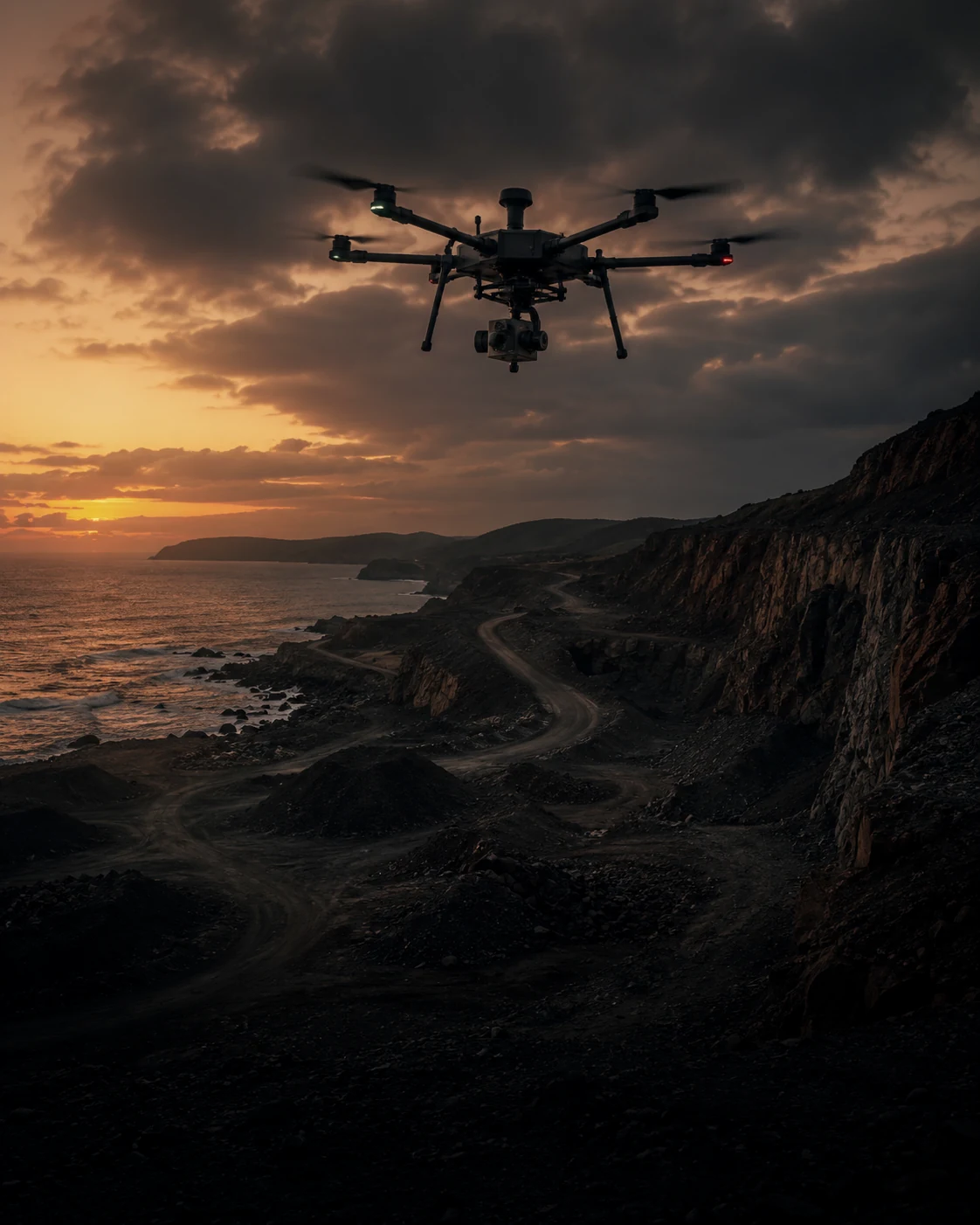
Route-wide averages can hide the segment that limits the mission.
A lawnmower pattern over acreage is a lot of line-kilometers. A single spec-sheet number won't show which leg is tightest.
Direction changes energy demand
Acreage at survey overlap is a lot of line-kilometers, and opposing passes can see different wind components across the same grid.
The return requirement changes with position
Fly lower for resolution and you fly more passes, and the trade-off has a range cost the spec sheet doesn't show.
A missed leg can mean a re-flight
Incomplete coverage after mobilization means a return trip, a re-process, and an explanation. Better to review the modeled margin first.
Evaluate the planned route, not a generic endurance number.
Import the mission into the Mission Analysis Map Pro, select the aircraft and mission conditions, and review expected battery, return margin, and the limiting leg across the route.
Every leg, evaluated
Import the grid, set the drone, altitude, battery and wind, and the Mission Analysis Map walks every leg: expected battery at current conditions, and the modeled return requirement from each waypoint. It hands back the path risk-coloured, with the limiting leg flagged.
Import your mission
Bring .csv, .wpml, .gpx, .kml and .kmz missions (plus .lchz on iOS) into RangeSight so you're planning around the actual flight, not a guess at it.
Revise around the constraining leg
If the modeled route exceeds the selected margin, use the flagged segment as one input when revising or sectoring the mission. The on-device Range Analysis Map gives you a quick "from here, what's reachable?" too.
The Mission Analysis Map · powered by RangeIQ+
The Mission Analysis Map is part of RangeSight Pro (free for 14 days), and the leg-by-leg analysis runs on RangeIQ+, our cloud mission-performance engine, so it also needs a connection. RangeIQ+ is also available to developers through the Noxdren API on noxdren.com. For developers
Plan → Import → Fly → Process.
Review coverage margin before the first flight.
Plan
Drone + survey altitude + battery + wind, the site as launch point.
Import & analyse
Bring in your mission file; the Mission Analysis Map checks every leg and risk-colours the path.
Fly
Run the grid; sector it at the leg you flagged if needed.
Process
Expected margin reviewed leg by leg, before the strip you'd otherwise miss.
Free covers the Range Analysis Map and mission import. The leg-by-leg analysis comes with Pro.
All 31 drone profiles, the Range Analysis Map and .csv/.wpml/.gpx/.kml/.kmz import are free (plus .lchz on iOS). Pro adds the leg-by-leg Mission Analysis Map (RangeIQ+), the Custom Drone Builder (mapping rigs aren't always in the list), payload weight support, and one-tap live weather and offline map packs. It's a 14-day free trial, then $12.99/mo or $99/yr.
More ways pilots fly RangeSight
Real estate & property
A quick modeled range check for unfamiliar properties, with Pro mission analysis for longer planned routes.
ExploreAgriculture & solar
Evaluate expected margin across long, repetitive survey and inspection routes.
ExplorePublic safety & SAR
Mission-performance context for time-sensitive UAS planning, with expected margin visible for review.
ExploreHobbyists & explorers
A quick modeled range-envelope check for unfamiliar flying locations. Free, no account.
ExploreSee how the mission performs before launch.
RangeSight is on iOS and Android, with a free Range Analysis Map and a 14-day Pro trial. Import the route, set the aircraft and mission conditions, and review expected performance leg by leg before you fly.