
Review mission margin when planning time is short.
Search patterns and scene overwatch, when minutes count, evaluate the planned route or pattern against the selected aircraft, payload, current conditions, battery state, and reserve requirements before launch. RangeSight provides planning estimates for review within your team's existing procedures.
Free Range Analysis Map · No account to start · iOS & Android
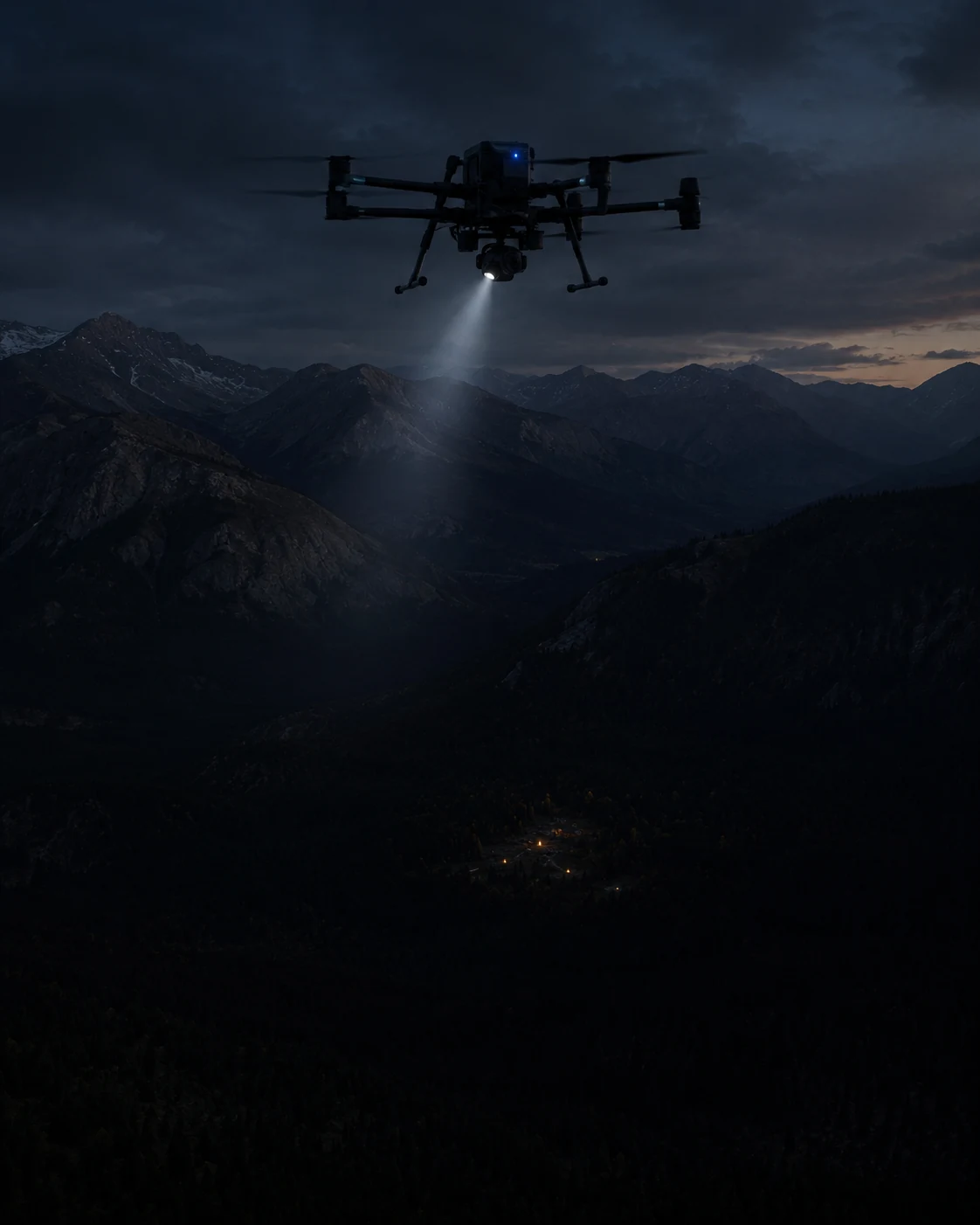
Coverage vs. return reserve shouldn't be a gut call under pressure.
The aircraft's spec-sheet number doesn't know about current wind, the cold, or the pack from the last sortie.
Coverage vs. reserve
Push the search wider and you eat into the way home. That trade-off deserves better than a glance at the battery icon.
Conditions change fast
Wind, temperature, an aging pack, the things that shift expected margin, change between sorties. The spec sheet doesn't.
After-action questions
"What conditions did you plan against?" should have an answer that isn't a shrug.
See the sortie footprint, with the return reserve already in the math.
A planning aid, not a guarantee. It doesn't replace your CONOPS, your training, or your judgment. It puts the numbers on the map.
Check the pattern, leg by leg
Lay (or import) your search pattern, set the aircraft, the battery state, any payload and the live conditions, and the Mission Analysis Map Pro evaluates every leg: expected battery and the modeled return requirement from each turn. It risk-colours the pattern and flags the leg that needs attention. The free Range Analysis check shows the sortie footprint, too.
Plan the pattern inside it
Lay search lines that fit the reach, with the return-home reserve already accounted for, instead of estimating it mid-pattern.
Review what was modeled
The mission inputs RangeSight used remain visible in the result so the operator can review what was modeled during the de-brief.
RangeSight provides planning estimates only. It is not a certified system, it does not guarantee outcomes, and it is not a substitute for your unit's procedures, your training, or your judgment. Treat the rings as guidance with reserve, and keep your own margin.
Define → Analyze → Review → Fly.
Same flow as any sortie, one fewer thing left to a gut feel.
Define
Aircraft profile, battery state, any payload, the launch point.
Analyze
Pull live conditions; the Mission Analysis Map evaluates the pattern leg by leg.
Review
Check expected margin and the constraining leg before the sortie.
Fly
Work the pattern inside it.
Free covers the Range Analysis Map and all 31 profiles. For ops use, Pro adds the leg-by-leg analysis and live weather input.
The Range Analysis Map and all 31 drone profiles are free. Pro adds the leg-by-leg Mission Analysis Map (RangeIQ+), one-tap live weather, the Custom Drone Builder, payload weight support, and offline map packs for remote search areas. It's a 14-day free trial, then $12.99/mo or $99/yr. Outfitting a team? Get in touch
More ways pilots fly RangeSight
Real estate & property
A quick modeled range check for unfamiliar properties, with Pro mission analysis for longer planned routes.
ExploreAgriculture & solar
Evaluate expected margin across long, repetitive survey and inspection routes.
ExploreMapping & survey
Analyze long grids and corridor routes leg by leg, with expected battery, return margin, and the constraining route output visible before launch.
ExploreHobbyists & explorers
A quick modeled range-envelope check for unfamiliar flying locations. Free, no account.
ExploreSee how the mission performs before launch.
RangeSight is on iOS and Android, with a free Range Analysis Map and a 14-day Pro trial. Import the route, set the aircraft and mission conditions, and review expected performance leg by leg before you fly.